

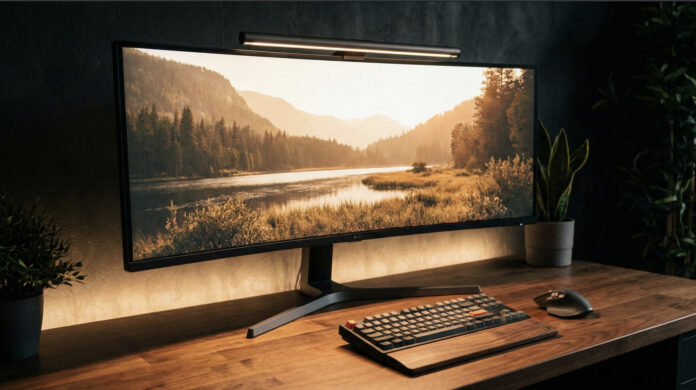

Or rather, look at the lack of a setup. What do you see? Tangled wires? Old receipts? A graveyard of sticky notes and empty coffee mugs?
Here is the uncomfortable truth: Physical clutter is mental clutter.
You cannot expect to enter a state of “Deep Work” or achieve peak performance when your peripheral vision is constantly bombarded by chaos. Every loose cable and every random object is a micro-distraction fighting for your brain’s limited attention.
But let’s clarify one thing. Minimalism doesn’t mean sitting in an empty room with a single laptop on a plywood board. That isn’t minimalism; that is deprivation.
True minimalism is about intentionality. It is about stripping away the friction so the only thing left is the flow. It is about curating a workspace that doesn’t just look good on camera, but actually compels you to create.
In this guide, we are going to deconstruct your current setup and rebuild it with purpose. We will cover:
- The Foundation: Why ergonomics is the ultimate productivity hack.
- The Visuals: Creating a canvas for your work (Monitors & Lighting).
- The Inputs: Tactile feedback and why it matters.
- The Invisible Art: Cable management as a discipline.
Ready to reclaim your focus? Let’s build.
The Definition
What is a Minimalist Desk Setup?
Before we discuss gear, let’s define the philosophy.
A minimalist desk setup is a workspace organized to maximize focus and efficiency by removing the non-essential. It relies on a few core principles: wireless freedom, “invisible” organization, ergonomic support, and a clean “visual quiet” aesthetic.
It’s not about having nothing; it’s about having no distractions.


The Foundation
Desk & Chair: The Bones of Productivity
You cannot build a skyscraper on quicksand. Similarly, you cannot build a serious workflow on a shaky table and a cheap kitchen chair. These are the “bones” of your setup. They dictate your posture, your health, and your longevity in this career.
1. The Standing Desk: A Modern Standard
The human body was not evolved to sit static for 8 hours. It kills circulation and drains energy.
In 2026, a motorized standing desk isn’t a luxury; it is a standard tool for the modern professional. The ability to switch postures with a single button press keeps your brain engaged during long sprints.
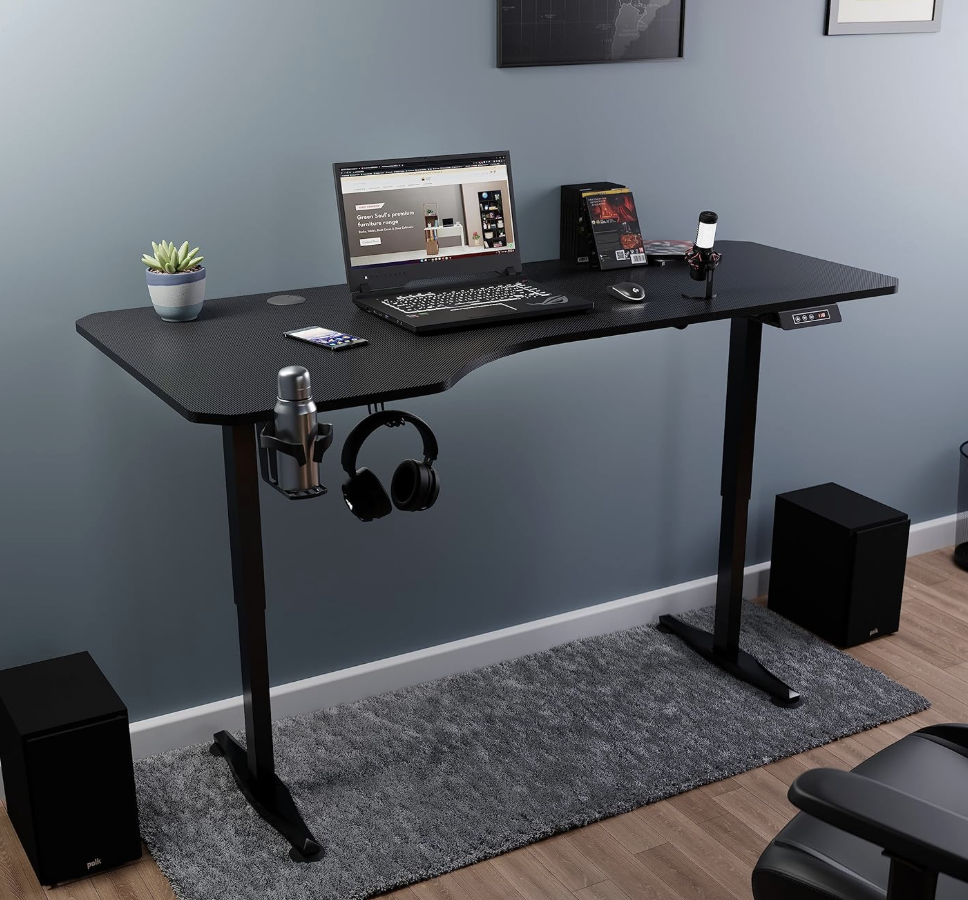
The Criteria:
- Stability: If your monitor shakes when you type, the desk fails. Look for dual-motor frames with significant weight.
- Materiality: There is a tactile difference between hollow plastic and solid wood. A solid Walnut or Oak top doesn’t just look better; it grounds the space.
2. The Chair: Ergonomics Over Aesthetics
I’m going to be blunt: Rethink the “Gaming Chair.”
Bucket seats are designed to hold a driver in place at 150mph, not for typing code or analyzing data. They often force the shoulders forward and trap heat.
For a professional setup, the Ergonomic Mesh Chair is superior. Mesh breathes, conforms to your spine, and disappears visually into the room. Whether you invest in an industry icon like the Herman Miller Aeron or a high-performance alternative from SIHOO, your lower back will thank you in ten years.
The Visuals & Inputs
Curating Your Interface
1. The Monitor: The Digital Canvas
Your monitor is the window to your work. A cluttered window leads to a cluttered mind.
The debate between Dual Monitors and Ultrawide is settled for minimalists: The Ultrawide wins. A single 34-inch+ curved display offers the real estate of two screens without the bezel gap breaking your focus. It requires one power cable and one display cable. It is cleaner, more immersive, and undeniably more elegant.
Pro Tip: Never use the factory stand. It eats up 30% of your desk depth. Mount your screen on a VESA Arm to make it “float,” reclaiming the valuable space underneath for your notebook or keyboard.
2. Lighting: Function Over Flash
Avoid the temptation of excessive RGB. We are building a workspace, not a nightclub. Prioritize lighting that reduces eye strain. A Monitor Light Bar (like those from BenQ) is essential—it casts light strictly on your desk surface, eliminating screen glare and saving desktop space.
3. The Inputs: Tactile Satisfaction
If you type for a living, using a mushy membrane keyboard is a disservice to your craft.
Mechanical Keyboards: Upgrade to a 75% layout. It retains the critical function keys but removes the Numpad, bringing your mouse closer to your center for better shoulder ergonomics. Look for switches described as “linear” or “tactile” for a sound profile that is satisfyingly deep (“thocky”), not annoying.
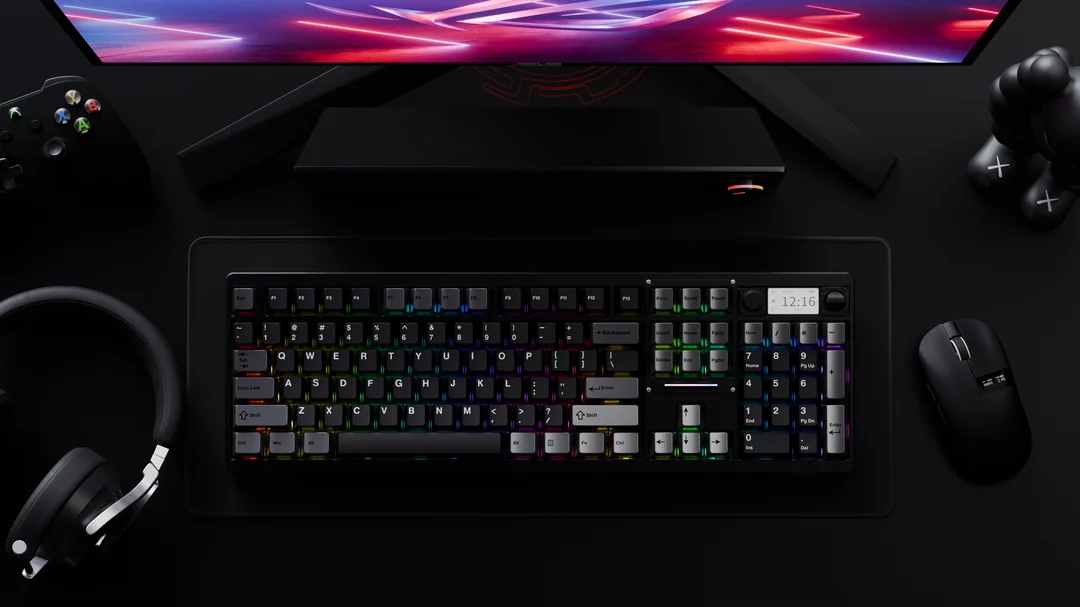
The Mouse: Precision is non-negotiable. Tools like the Logitech MX Master series have become the gold standard not because of hype, but because features like the electromagnetic scroll wheel genuinely speed up workflow.
The Invisible Art
Cable Management as a Discipline
You can buy the finest gear in the world, but if there is a “spaghetti monster” of cables tangling at your feet, the illusion is broken.
Cable management is the difference between an amateur enthusiast and a pro. The Golden Rule: If you can see a wire, the job isn’t finished.
The “Mount & Route” Protocol
Most people fail because they try to organize cables after plugging everything in. The secret is to build the routing path first.
Mount the Power: Never let your power strip touch the floor. Mount it to the underside of your desk.
The Highway: Install a Cable Raceway (channel) along the back edge of the desk to house the chaos.
The One-Cable Dream: To reach the highest tier of minimalism, consider a Thunderbolt Dock. Your entire suite of peripherals plugs into the dock (hidden under the desk), leaving just one single cable connecting to your laptop. It is the ultimate expression of “Plug and Play.”
Conclusion: The Process Never Ends
Building a minimalist desk setup isn’t a one-time project; it is a habit.
It is the discipline of clearing your desk every evening. It is the restraint to say “no” to cheap gadgets you don’t need. It is about creating a space that respects your time, your health, and your ambition.
Start with the basics: Clear the clutter, mount the cables, and get the monitor off the desk.
The floor is yours. What is the one item on your desk that significantly improved your workflow? Share your experience with the community below.